We have two options for how you can verify your account:
1️⃣ From the Onboarding Section in your Profile.
2️⃣ During your first withdrawal
Here are the detailed instructions:
- Tap "Profile". Here you'll see your Onboarding Section ⬇️
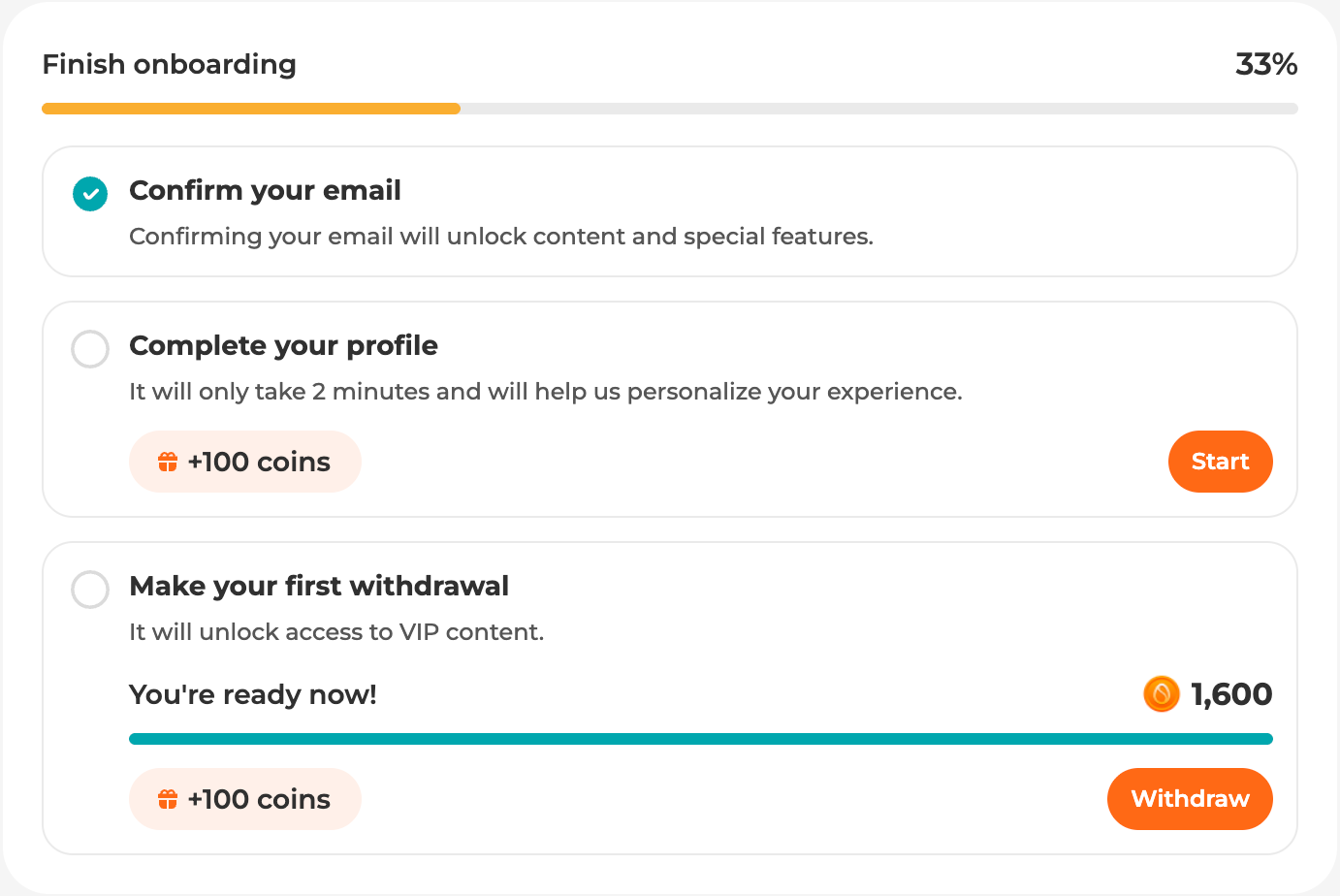
You’ll see the notification “Make your first withdrawal”. Just click the orange “Withdraw” button in the right corner. And you’ll be redirected to the “Withdraw” page.
- Choose the preferred payment method
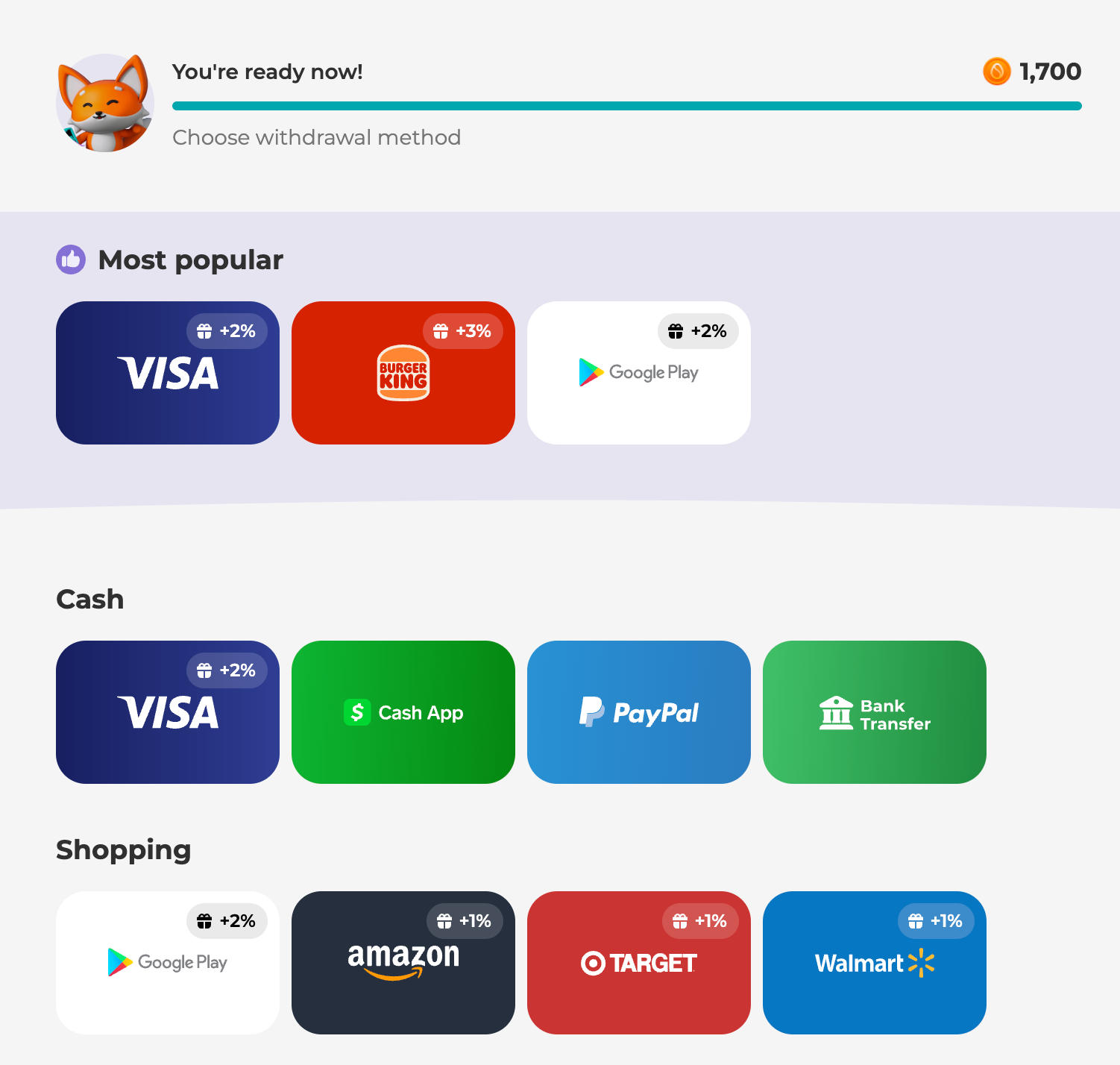
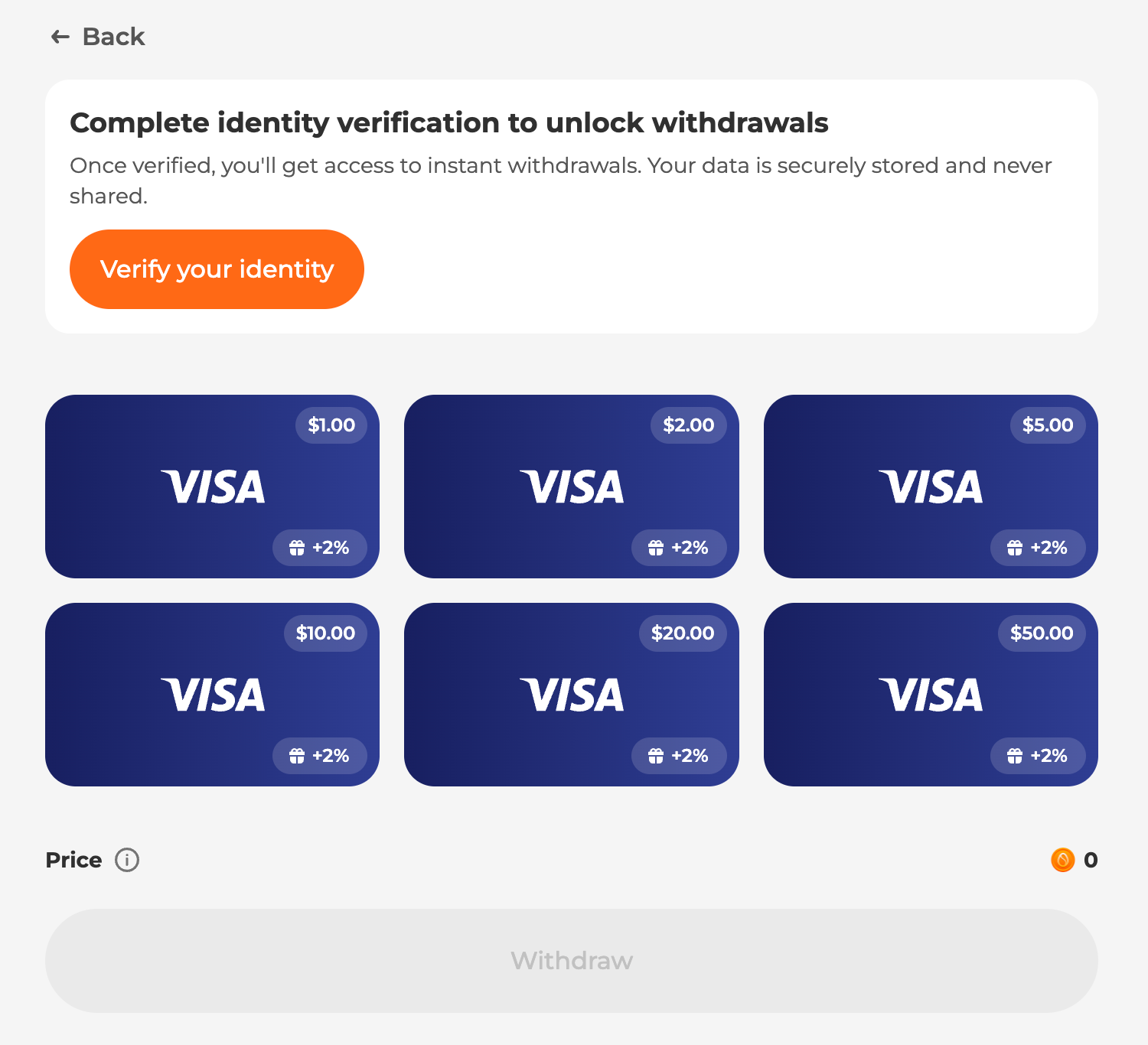
- Click “Verify your identity”
- Click “Start”
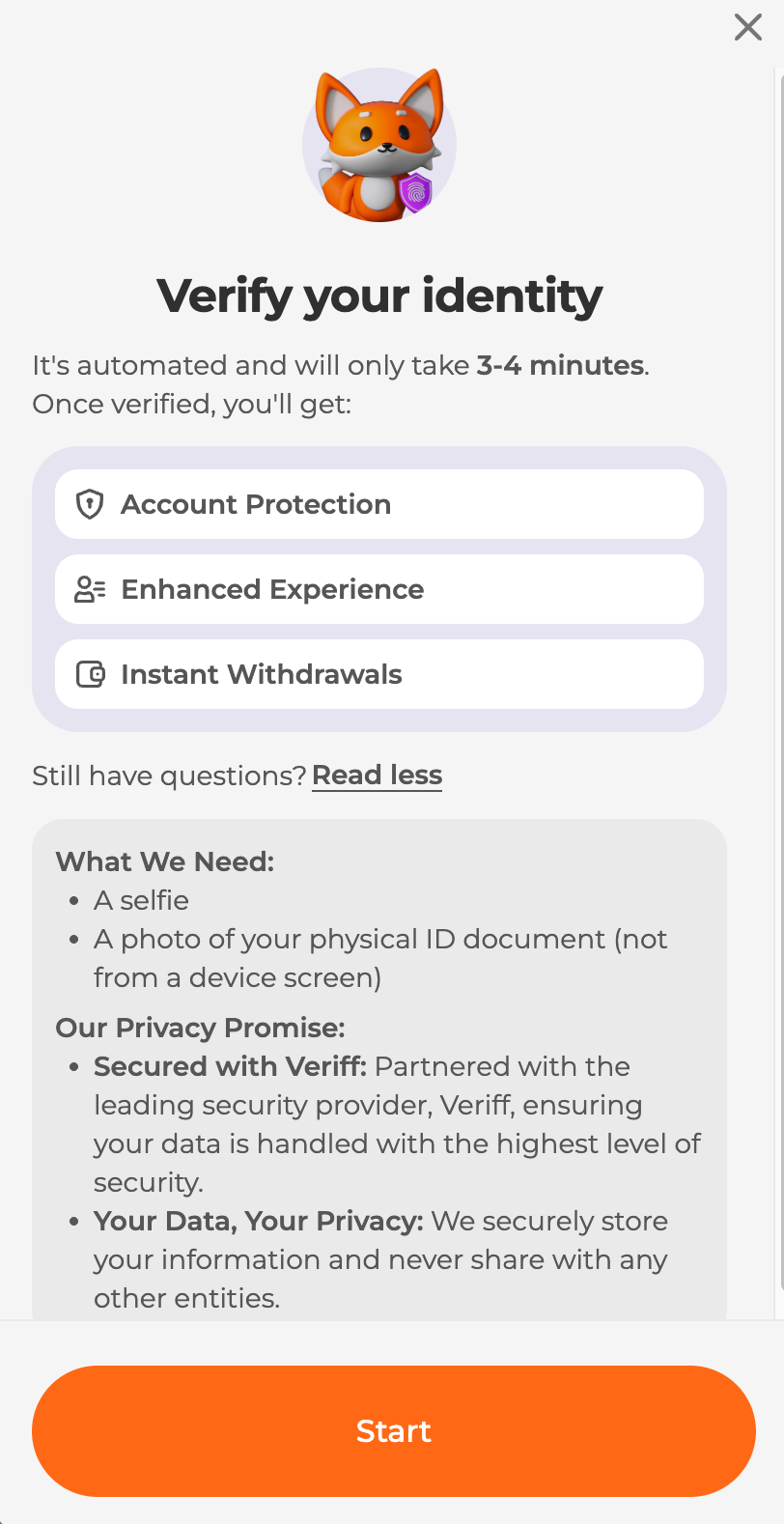
After that, you'll need to take photos of your document (both sides) and a real-time selfie.
Accepted documents: ID card, driver's license, passport or residence permit.
❗️ A couple of important points about account verification:
- Account verification is currently available only for users with government-issued ID documents from the United States, the United Kingdom, or France. If you live in one of these countries but do not have a government-issued ID from that country, please contact our support team for further assistance.
- Account verification must be completed by the account owner only. The verification process requires a real-time selfie and identity documents belonging to the person who owns the account. Using another person's documents for verification is strictly prohibited.
Why the identity verification is so important for us?
Identity verification is an important part of our security process that helps us to make sure that our users are protected from unsafe activity on our platform. Also, it helps our partners to place higher payouts for Scrambly users, as they trust our audience thanks to this feature.
As always, our Support team is happy to help you with any questions you might have about this process! If you have any questions, please submit a ticket to the "Account Verification" category!
Was this article helpful?
That’s Great!
Thank you for your feedback
Sorry! We couldn't be helpful
Thank you for your feedback
Feedback sent
We appreciate your effort and will try to fix the article