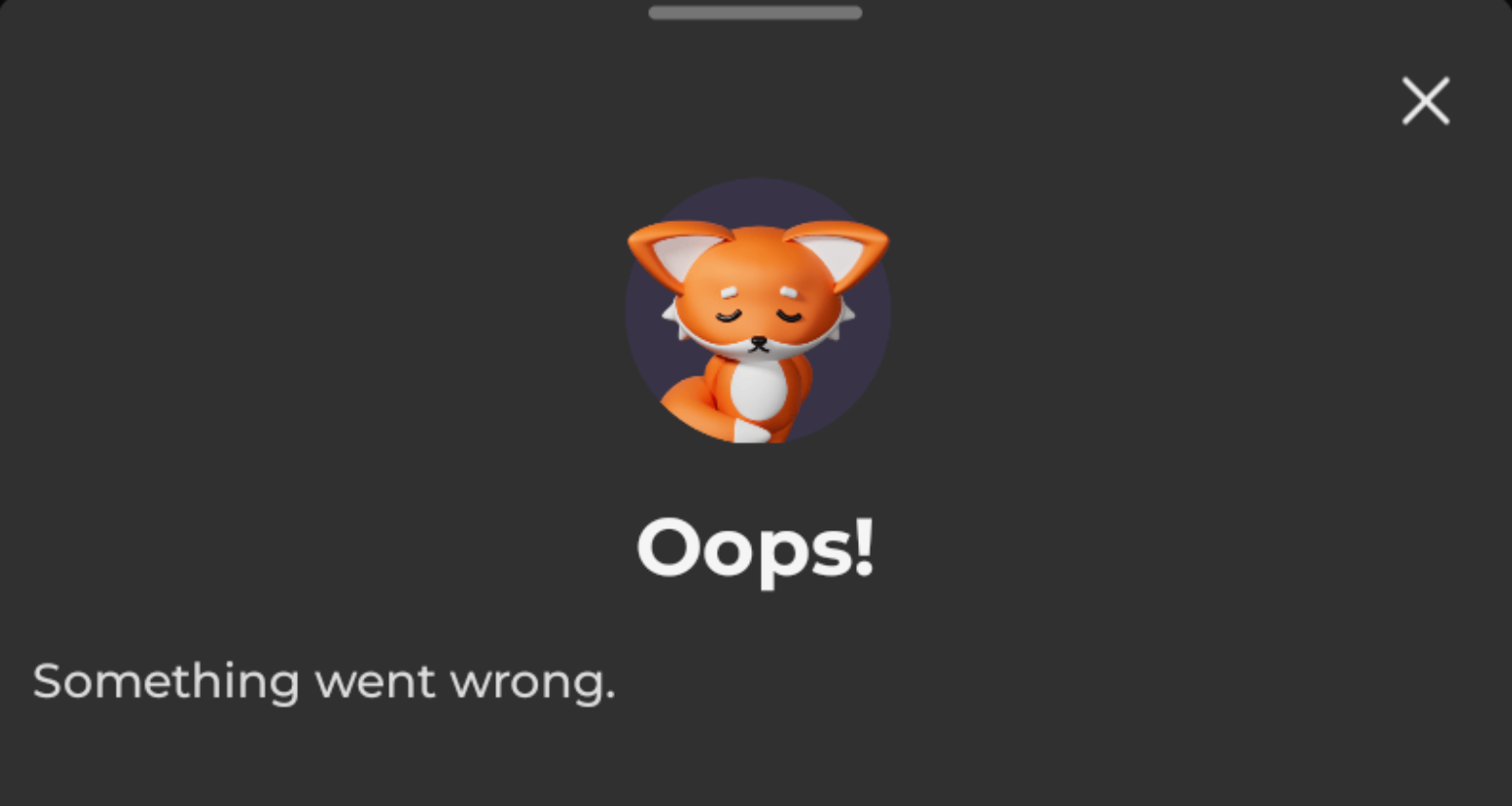
If you experience a notification issue “Oops! Something went wrong” while placing a withdrawal or trying to start a new offer on our platform, try the following steps:
- restart the Scrambly app;
- switch the internet connection from wi-fi to mobile and vice versa;
- restart the device;
- try to start new offers (or place a withdrawal) from the web instead of the app;
- clear the app/web cache;
- check for possible VPN or security software, and turn them off.
If you've completed all the troubleshooting steps above and the issue persists, please contact our support team for further assistance.
Please also attach a couple of screenshots that clearly show the issue you're experiencing.
Was this article helpful?
That’s Great!
Thank you for your feedback
Sorry! We couldn't be helpful
Thank you for your feedback
Feedback sent
We appreciate your effort and will try to fix the article